 Bildeheim
Invite only · for families
Your photo library, at home with your AI assistants.
Bildeheim keeps every photo and video you’ve taken in one private place, picks up new ones from your phone on its own, and lets your AI assistant find exactly the right picture, like Grandma at the lake last summer.
Bildeheim is invite only. No passwords: you sign in with a passkey.
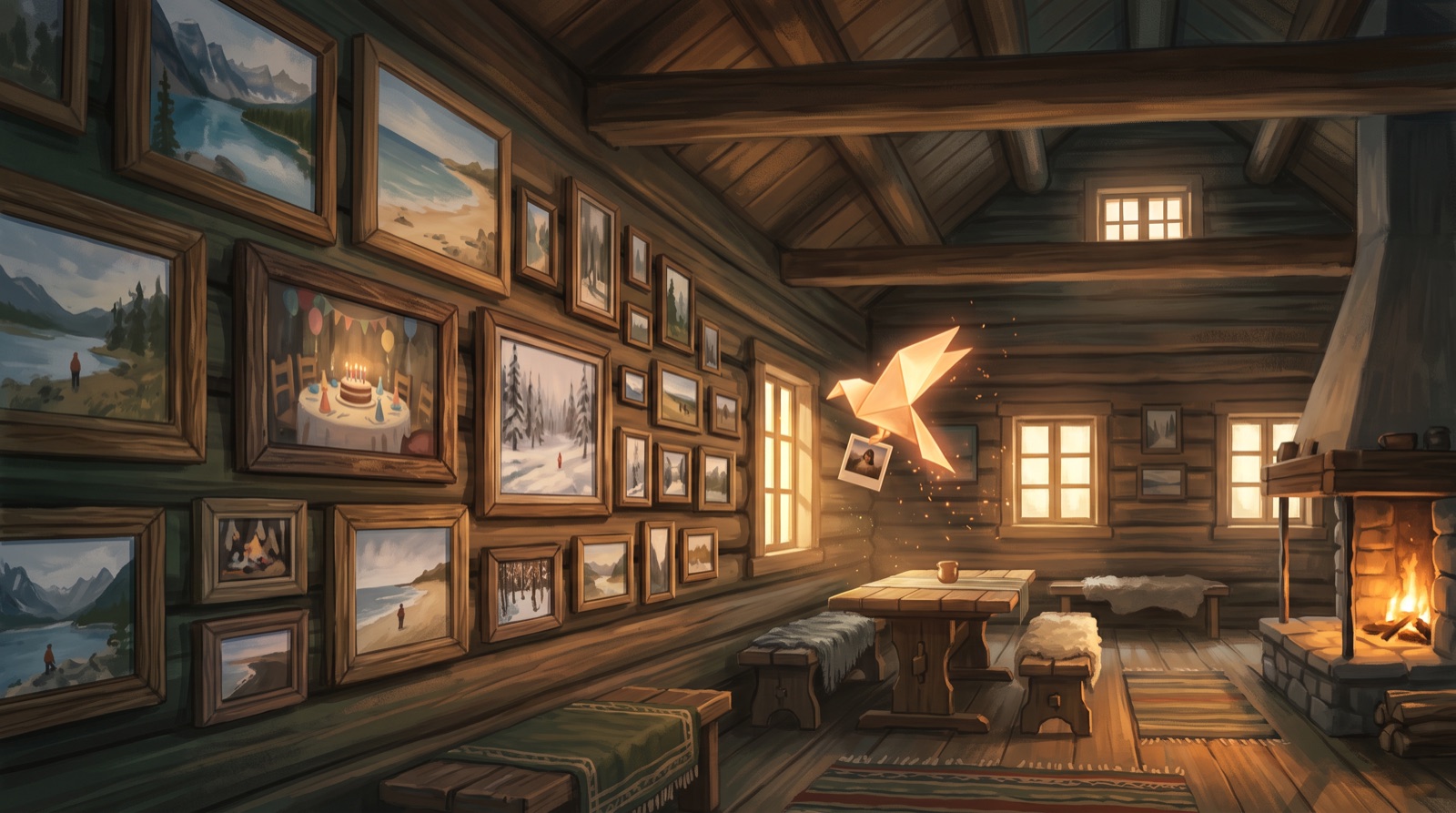
The idea
Photos your assistant can actually find
Your AI assistant can plan a trip or answer an email, but ask it for a photo and it’s stuck: your pictures sit in folders with names like IMG_4821. Bildeheim reads each photo’s date, place and the people in it, describes what it shows, and gives your assistant one simple way to search and fetch it, ready to drop into a message or a family board.
Keeps itself up to date
Connect Dropbox and choose your folders. New photos from your phone arrive by themselves. Bildeheim never changes or deletes your photos.
Finds what’s in the picture
Search by person, place or date, or just describe it: “a birthday cake”, “snow on the porch”. Even words on signs, receipts and screens can be found.
Yours, and private
Invite only, with passkeys. Hidden photos stay out of sight of everyone, assistants included, until you open them. Shared links leave out where a photo was taken unless you include it.
Everything in one place
Everything you’d expect from a photo library
Built for decades of pictures, and quick to scroll through every one of them.
A fast timeline
Every photo and video by date, with a year scrubber. Tens of thousands scroll without waiting.
People
Face names saved in your photos by other photo apps come along. Name more, or fix one, in a click.
Places and a map
Every photo with a location on a map, and by town, state and country.
Albums that fill themselves
Make albums, or save a search as a smart album that keeps adding new photos.
Sharing
Share your whole library with family, let them add to your albums, or send anyone a link.
On your phone
Add Bildeheim to your home screen, upload from the phone, and see Live Photos come alive.
For AI assistants
One token, one simple API
Make a token for your assistant in Settings and give it to them. Everything else they need to know is written for them at bildeheim.com/agents.md.
- Search by person, place, date, album or a plain description, all in one request.
- Every picture as a JPEG in three sizes, even when the original is HEIC.
- Assistants can name faces, add tags, make albums and share links. They can never delete anything.
- Hidden photos simply don’t exist for them.

The name
A home for your pictures
Bildeheim is two Norwegian words put together, the way Norwegian likes to build them: a picture, and the home it belongs in.
Norwegian
Bilde
A picture, image or photograph.
Norwegian, from Old Norse heimr
Heim
Home: the place where you and your things belong.
Together
Bildeheim
The home of your pictures. Every photo you’ve taken, gathered in one place, for you, your family and the assistants who help you.
Good to know
Questions
Can I sign up?
Not yet. Bildeheim is invite only for now. If you were invited, open the link you were sent to make your account.
Does Bildeheim change anything in my Dropbox?
It never moves, changes or deletes your photos. Importing uses a read-only connection: Bildeheim only reads the folders you choose.
Writing needs a second connection you add yourself under Settings › Backups, and it does only two things. Backups: it saves a backup file into the folder you pick for them, on your schedule, and keeps the number you choose by removing only older backup files it saved there itself. Save uploads: if you turn this on for one of your folders, each photo you add with the Upload button also gets a copy saved into that folder, always as a new file, never replacing one. You can turn either off or disconnect at any time.
Do I need Dropbox?
No. You can also upload photos and videos from the website or from your phone.
Who can see my photos?
Only you, the people you choose to share your library with, and the assistants you give a token to. Hidden photos are seen by no one but you, after you unlock them with your passkey.
What can an assistant do?
Find photos, fetch them, name faces, add tags, make albums and share links when you ask it to. It can’t delete anything, and it never sees your hidden photos. You can take its token back in Settings whenever you like.
What happens to my originals?
They’re kept exactly as they were taken. Bildeheim makes its own copies for fast browsing, and you can download your originals at any time.